Choose your category and edition, add your ad text, and see the exact rate before you pay.
1What do you want to advertise?
2Where should it publish?
Choose a category first
Available editions
What do you want to advertise?
 Matrimonial
🏠
 Property for Sale
🏠
 Property for Rent
💼
 Recruitment
📝
 Name Change
🏢
 Business
🔧
 Services
🚗
 Vehicles
📰
 Health & Fitness
📰
 Remembrance
✈️
 Travel
📰
 Retail /Shopping
⚖️
 Public Notice /Tenders
📰
 Personal Announcement
📰
 Astrology
📰
 Entertainment
🎓
 Education
📰
 Computers
📰
 Marriage Bureau
📰
 Other Categories
Prices come straight from each newspaper's official rate card. What you see is exactly what you pay — no hidden charges.
If your ad is printed with an error from our side, we re-publish it in the next available issue at no cost.
Found the same ad space at a lower published tariff? Show us and we match that price on your booking.
Every booking gets a proper GST invoice, and you can verify your published ad in the newspaper's e-paper.
Select your city for the best local coverage and exact pricing.









Circulation figures are ABC-audited data.
Live from our booking system — the same rules the calendar enforces when you book.
| Ad categories | Publishes on | Booking deadline |
|---|---|---|
| Most categories Astrology, Business, Computers, Education, Entertainment… | All days (Mon–Sun) | Book by 3:00 PM, 1 day before the publishing date (Mon: by 3:00 PM, 2 days before) |
| Matrimonial | Sundays only | Book by 3:00 PM, 1 day before the publishing date |
| Marriage Bureau | Sundays only | Book by 12:00 PM, 1 day before the publishing date |
Miss a cutoff? The booking calendar automatically shows you the next available date — you can never book a date the paper can't print.
Transparent pricing — what you see is what you pay. GST extra.
Starting rate per category. Tap View Rates for city-wise pricing.
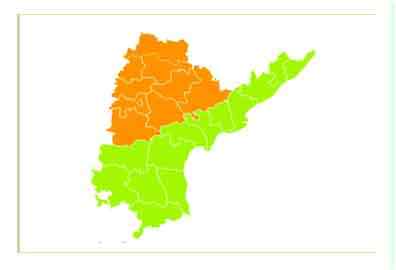
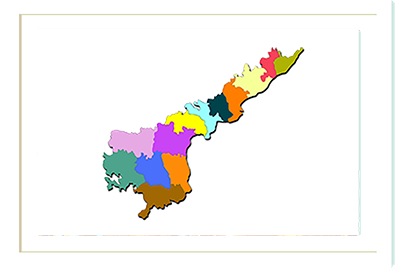
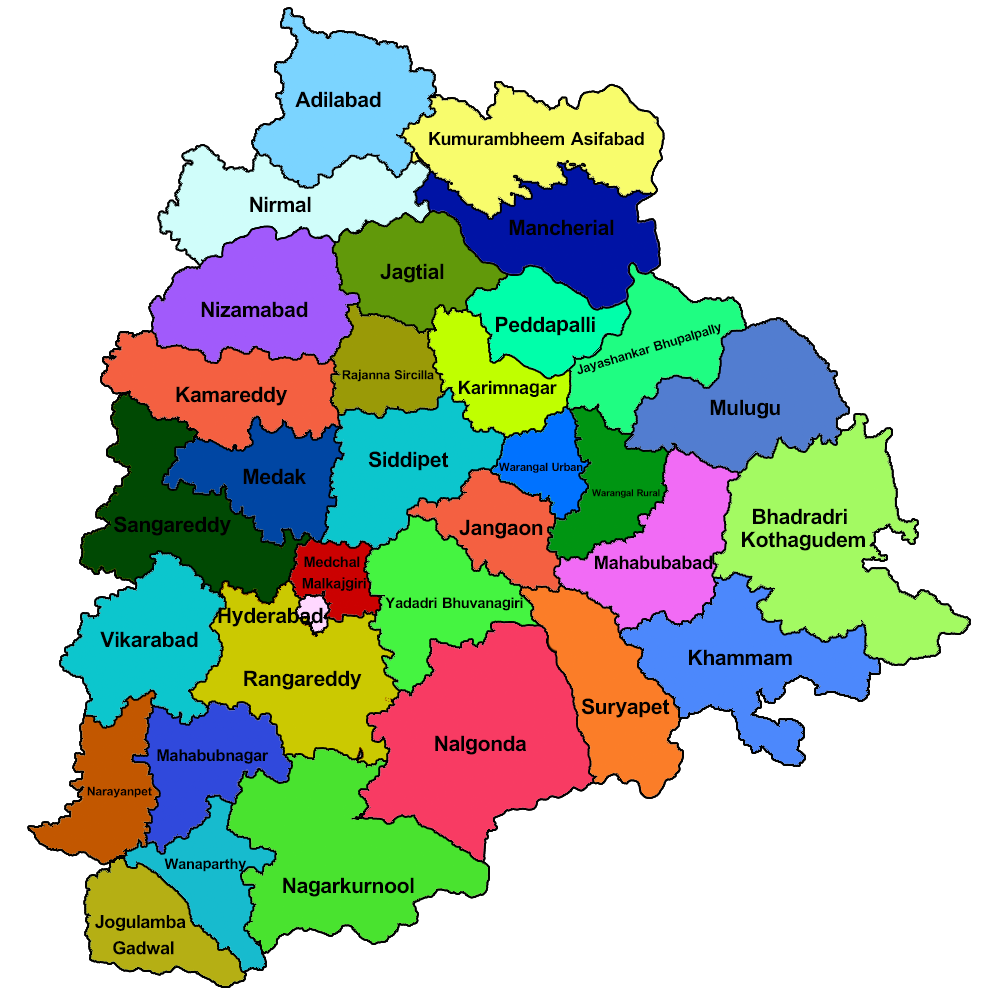
Sakshi is a Telugu daily. On Book4Ad you can book Sakshi classified ads for its editions across Andhra Pradesh and Telangana, along with Bangalore and Chennai.
Sakshi classifieds are charged by the line. The starting rate shown for each category includes the first 4 lines, and an ad can run from 2 to 18 lines. Each extra line is charged at that edition's extra-line rate, which depends on the edition and category.
Rates can vary by edition, so choose the edition that matches the area where your readers are. Keeping your ad short keeps the cost down.
GST is added to the rate. Book4Ad works out the price from your ad text and shows the full total, including GST, before you pay.
Public notices and tender notices can also be booked in Sakshi. Choose Public Notice / Tenders as the category to see the editions and rates.
Some categories publish only on certain days. The publishing days table above shows each category's cutoff.
After payment you receive a booking confirmation by email, and you can track your order under My Account. For anything not covered here, contact the Book4Ad team.
No chat history yet.
Hi! Welcome to Book4Ad 👋
Ask me about newspaper ads — which newspapers and editions cover your city, ad categories and how booking works. Our team can help with anything else.